
In short: A camera isn't everything — we show the full setup needed for professional video conferencing.
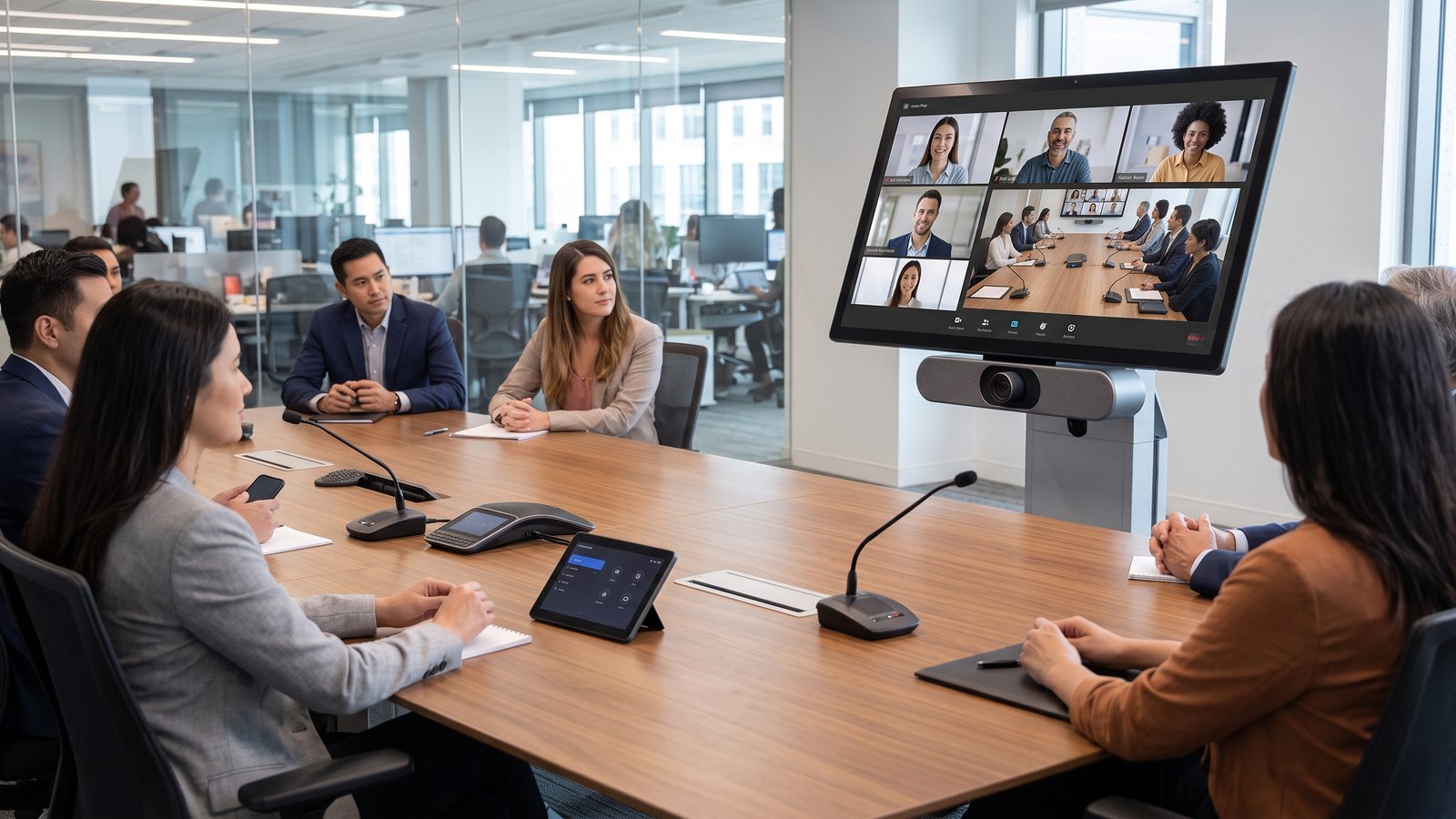
A 4K camera alone isn't enough to make a video conference look and sound professional — picture and audio are the result of several elements working together, and any one of them can become the weak link in the whole system. We show what a complete high-quality video conferencing setup consists of and what to look out for when choosing it.
Camera — resolution isn't everything
4K resolution in a conference camera makes the most sense when it enables digital zooming or reframing without loss of quality — the signal actually sent to the other party is usually compressed to a lower resolution by the video conferencing platform anyway. Just as important as pixel count is how well the camera performs in lower light, and its field of view — too wide an angle makes people sitting close to the camera look distorted, too narrow doesn't capture everyone in the room.
Lighting — the most commonly overlooked element
Even the best camera struggles in a poorly lit room or with strong backlighting, when the light source sits behind the speaker — for example a window in the background. It's worth ensuring even, diffused lighting on participants' faces, ideally from the front or slightly to the side, and avoiding pointing the camera toward bright windows without curtains or blinds. This is one of the cheapest ways to noticeably improve the received image, requiring no equipment replacement at all.
Audio — determines intelligibility, not just volume
A low-quality image can be tiring, but poor audio effectively derails an otherwise productive meeting — participants stop understanding each other, leading to repeated questions and frustration. A well-chosen microphone, matched to the size of the room, and a DSP with echo and background-noise suppression, have a bigger impact on meeting quality than image resolution alone. Room acoustics matter too — hard, smooth surfaces generate reverberation that reduces speech intelligibility even with the best microphone.
Internet connection and platform
A 4K picture needs a stable, sufficiently fast internet connection — with insufficient bandwidth, the video conferencing platform automatically lowers transmission quality, regardless of what the camera is capable of. It's also worth checking that the chosen equipment is fully compatible with the platform in use, such as Microsoft Teams or Zoom — not every combination of camera, microphone and processor works together seamlessly right out of the box.
Summary
A professional video conference is the sum of the camera, lighting, audio and a stable connection — leaving out any one of these elements degrades the quality of the whole meeting, no matter how good the rest of the setup is. Before investing in the highest-resolution camera available, it's worth first checking whether the room's lighting and audio are at a matching level.
Read also: Logitech