
In short: We compare the approach to automation in a home versus an office environment.
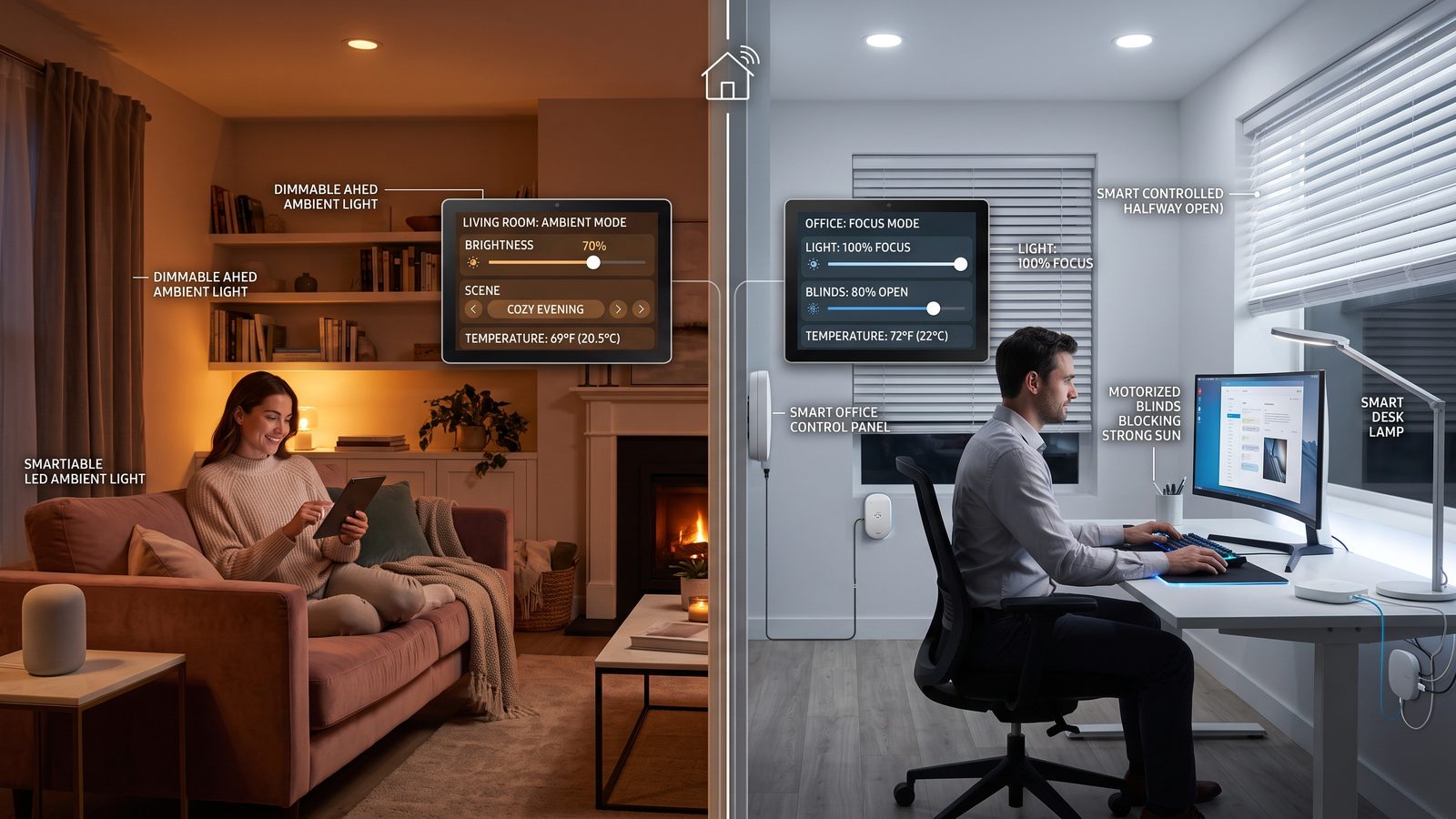
Home and office automation rely on similar technologies — controlling lighting, temperature, blinds, or AV systems from a single place. But they differ in scale, priorities, and the consequences of a failure, which translates into an entirely different approach to designing an implementation. Below is a look at where the two worlds overlap, and where they demand distinct approaches.
A Shared Technological Foundation
Both at home and in the office, automation rests on similar building blocks: a central controller, a network connecting the devices (wired or wireless), and a control interface — a wall panel, a mobile app, or voice integration. Many of the communication protocols used in home automation also find application in offices, and manufacturers increasingly design devices with both segments in mind at once.
A Difference in Scale and Complexity
A smart home installation usually covers a single apartment or house and one consistent user (a family), who over time learns and adapts the system to their own habits. A smart office, on the other hand, has to work intuitively for many different people at once — employees, guests, people visiting a room just once — which forces a much simpler, more standardized control interface than at home, where more elaborate personalization is acceptable.
- Number of users — home: one family; office: dozens or hundreds of people using the system occasionally.
- Downtime tolerance — an automation failure at home is an inconvenience; a failure in an office often means a stalled meeting or a conference room out of action.
- Scalability — an office typically grows (new floors, new rooms), so the system needs to expand easily without a ground-up rebuild.
A Difference in Implementation Priorities
At home, the priority is usually comfort and aesthetics — discreet sensors, nicely designed panels, personalized lighting scenes. In an office, reliability, ease of use for outside visitors, and integration with other building systems — access control, fire safety, energy management (BMS) — take center stage. Data security and administrative access to the system also matter more in an office, since they affect many users and multiple permission levels, not a single household.
Rule of thumb: a system that works great at home won't necessarily translate directly into an office — the scale of the user base and the consequences of a failure call for a different approach to designing reliability.
Who Should Design the Implementation
In both cases, it's worth starting from an analysis of actual needs, rather than implementing automation just "because it's possible" — not every feature that looks impressive in a marketing demo translates into everyday usability. In an office, it's additionally important to work closely with the IT department and, in larger facilities, with the building administrator, so the new AV installation or room automation doesn't conflict with existing network infrastructure and security systems.
Summary
Smart home and smart office solutions draw on similar technological building blocks, but they build entirely different structures out of them — matched to scale, user count, and the consequences of a potential failure. Understanding these differences at the planning stage helps avoid an implementation that looks great on paper but underperforms in everyday use.
Read also: Connectivity Standards Alliance