In short: Regular check-ups and simple habits that reduce failures and extend the life of your AV installation.
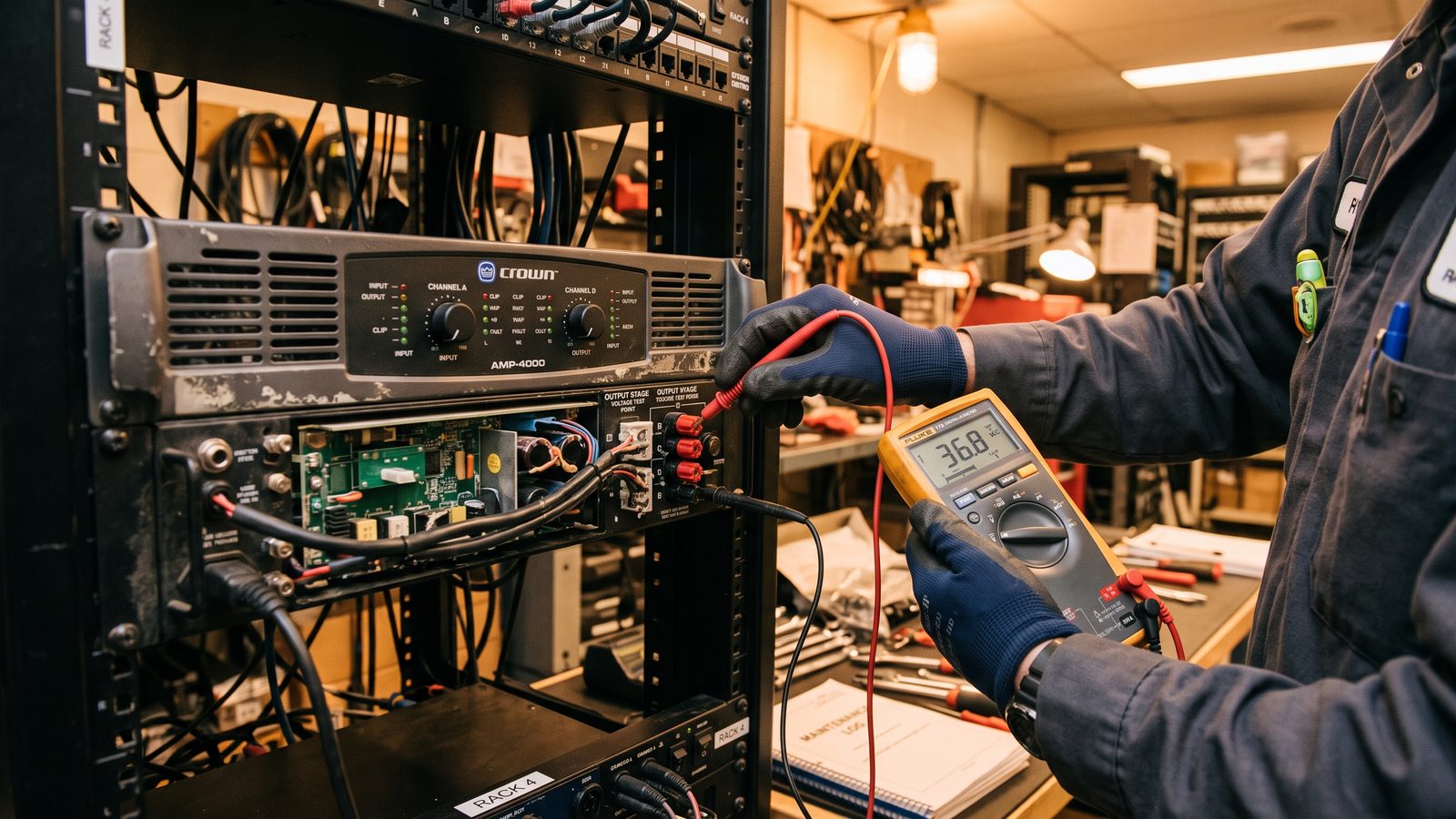
AV equipment, like any technical installation, wears out more slowly and runs more reliably when it's checked regularly rather than just fixed after something breaks. Many problems that seem sudden — a projector's warning light turning red, a sharp drop in audio quality — actually build up over months and can be caught much earlier during a routine inspection. Below are simple habits and elements worth checking regularly.
Cleaning and Equipment Inspections
Dust is one of the biggest enemies of AV equipment — it clogs air filters in projectors, restricts cooling in video walls, and settles on lenses, degrading picture quality. Regularly cleaning a projector's filters (following the manufacturer's recommendations for the specific model) prevents overheating, one of the leading causes of a shortened lamp or laser diode lifespan. It's also worth periodically checking the condition of fans and ventilation openings in equipment mounted inside enclosures — restricted airflow accelerates wear on electronic components.
Software and Firmware Updates
Modern AV equipment — cameras, DSPs, control panels, video conferencing systems — runs on software that manufacturers regularly update, improving stability, compatibility with communication platforms, and fixing known bugs. Neglected updates are a frequent cause of issues reported as "hardware failure," when in reality they stem from an outdated software version that's incompatible with the current version of the video conferencing platform in use.
Checking Cabling and Connections
- HDMI and signal connectors — can loosen over time, especially in spots where laptops are frequently connected and disconnected.
- Cables prone to bending — at conference tables or in mobile setups, it's worth checking that the insulation hasn't been damaged.
- Mounts and support structures — periodically check that screws are properly tightened, especially for heavier equipment mounted on a wall or ceiling.
- Batteries in wireless devices — microphones and remotes are worth checking regularly to avoid an unpleasant surprise during an important meeting.
Rule of thumb: it's better to schedule a short equipment check every few months than to wait for the first failure — most costly repairs are preceded by warning signs that are easy to catch during a regular inspection.
Inspection Schedule
The frequency of inspections should match how intensively the equipment is used — a conference room used every day for many hours needs more frequent checks than a rarely used training room. It's good practice to keep a simple log of inspections and repairs, making it easy to spot recurring problems with a specific device before they turn into a more serious failure requiring a full replacement.
Summary
Regular maintenance of AV systems — cleaning, software updates, and checking connections — takes little time but genuinely extends equipment lifespan and reduces the number of failures at the most inconvenient moments. A simple inspection schedule matched to how intensively a room is used is one of the cheaper investments a company can make in its AV infrastructure.
Read also: AVIXA