
In short: We look at why consumer-grade hardware falls short in an office environment.
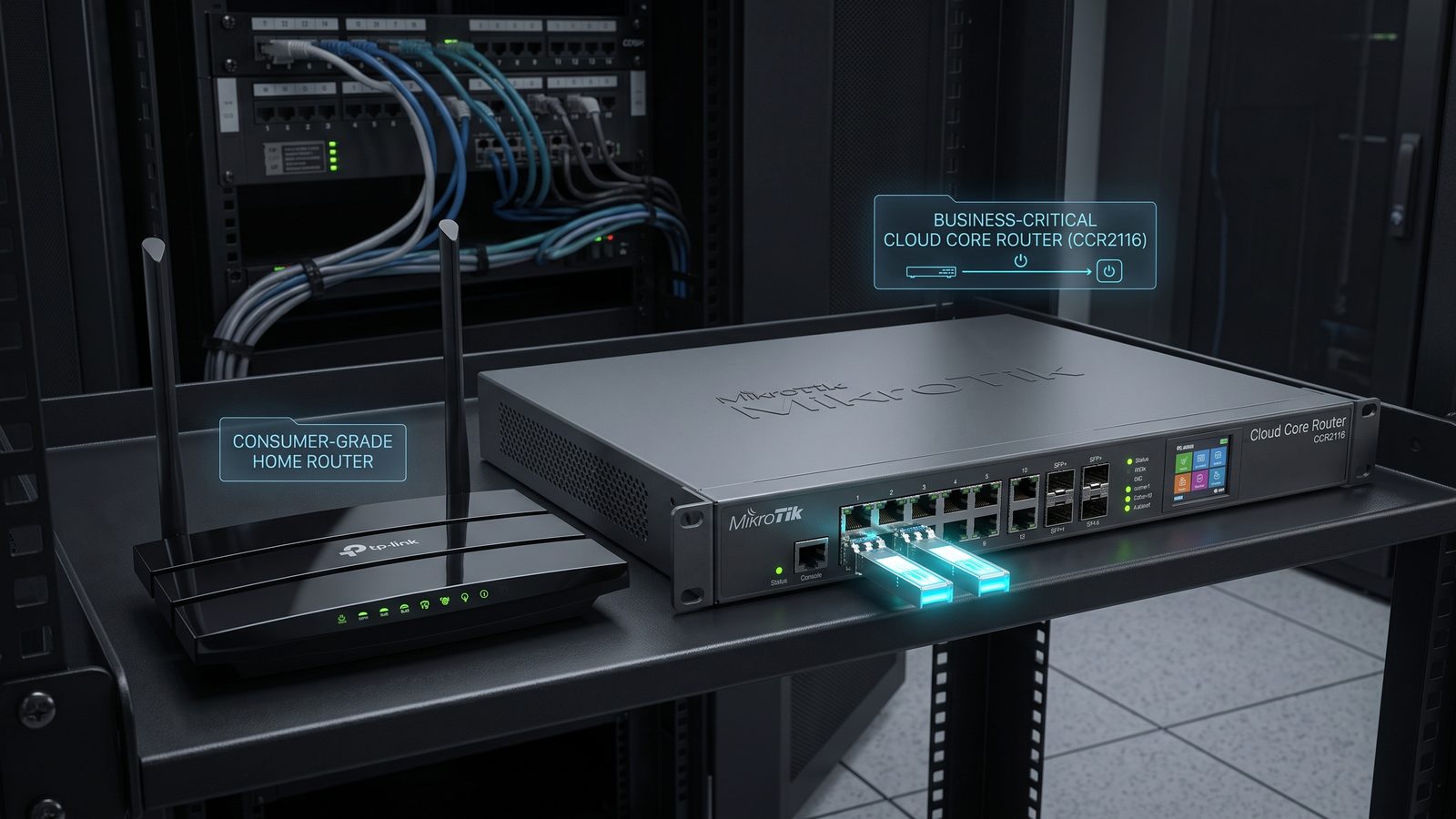
At first glance, a home router and a business-grade router perform the same task — connecting a local network to the internet. In practice, the differences only show up under load, when dozens of devices are using a single connection at once and the network has to keep running without interruption throughout the entire working day. We look at why consumer-grade hardware often falls short in an office environment.
The Limits of Home Hardware in an Office
Home routers are designed with a handful of household devices and occasional, light loads in mind. Their processors and memory are often too weak to handle heavy network traffic at the same time as security features such as a firewall or VPN — in practice, turning on advanced security on a cheap router often drastically cuts real-world throughput. Hardware in this class also typically doesn't support VLANs, has a limited number of simultaneous connections (NAT sessions), and offers no tools for centralized management or monitoring.
What Sets a Business-Grade Router Apart
- Performance under full load — higher-grade components maintain their rated throughput even with security features such as IDS/IPS or traffic inspection turned on.
- VLAN support and advanced routing — the ability to segment the network and route traffic according to rules tailored to the company's structure.
- Connection redundancy — support for two WAN links operating in failover or load-balancing mode, limiting the impact of one internet provider's outage.
- Remote management and event logging — the ability to check network status, connection history, and security events without being physically present at the device.
- Continuous-operation stability — hardware designed for continuous operation, with better heat dissipation and a longer manufacturer support cycle than in the home segment.
When the Difference Becomes Visible
In a very small office with a handful of workstations and basic needs, a cheaper router can run without issue for a long time. The gap becomes apparent as headcount grows, as remote work requiring a VPN gets rolled out, as AV systems or cameras are added to the same network, and once an internet outage starts to genuinely cost the company time and money. That's the moment when the limitations of home-grade hardware — low performance with security features enabled, no redundancy, no diagnostic tools — stop being theoretical.
Summary
A business-grade router costs more than its home counterpart, but the price difference reflects real differences in performance, configuration flexibility, and operational stability. In an environment where the whole team's daily work depends on the network, cutting corners on this piece of infrastructure usually pays back in the form of more frequent outages and time lost diagnosing them.
Read also: Cisco