
In short: Access point placement determines signal quality — here's how to plan it correctly.
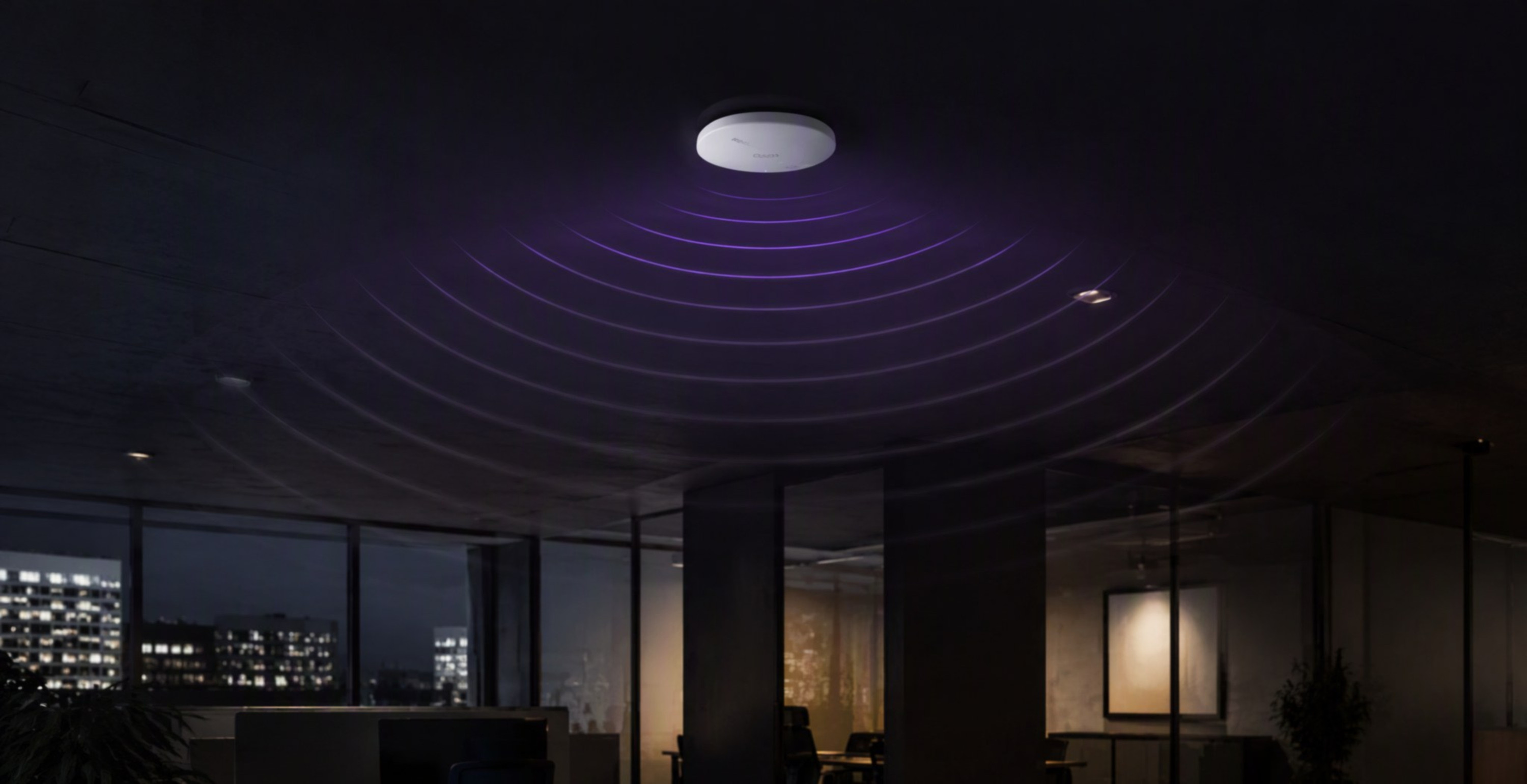
Even the best access point placed in the wrong spot — tucked into a corner, hidden behind a metal cabinet, or stationed right next to the office kitchen's microwave — won't deliver good Wi-Fi coverage. Where you place your access points has a bigger impact on signal quality than the specifications of the hardware itself. Here are the basic principles of proper planning.
Central Placement and Mounting Height
Radio waves radiate outward from an access point in all directions, so the best results come from placing it as centrally as possible relative to the area it serves, rather than against a wall or in a corner, where half the signal "escapes" beyond the space you actually need to cover. In offices, the standard is a ceiling-mounted installation at the level of the suspended ceiling — this ensures even signal propagation over furniture and partitions while keeping the installation discreet and visually unobtrusive.
Signal Attenuation from Obstacles
Not all obstacles attenuate the signal to the same degree. Drywall partition walls let the signal through relatively well, while reinforced concrete walls, structural columns, and elevator shafts attenuate it far more heavily and can practically cut one room off from another. Pay particular attention to metal elements — cabinets, shelving units, steel structures, or large glass surfaces with a reflective coating — which not only attenuate radio waves but reflect them, creating dead zones in spots that seem close to the access point.
Avoiding Interference
- Other electronic devices — microwave ovens, some cordless phones, and industrial equipment can interfere with the 2.4 GHz band; keep access points away from such sources where possible.
- Neighboring Wi-Fi networks — in multi-tenant office buildings, it's worth choosing radio channels that avoid overlapping with neighboring networks wherever possible.
- Access points placed too close to each other — units positioned too close together and broadcasting on the same channels interfere with one another instead of complementing each other; an even spacing with carefully chosen channels works better.
- Electrical installations and high-current cabling — running a network cable parallel to electrical wiring over a short distance is usually not a problem, but it's best to avoid direct proximity to large transformers or motors.
Rule of thumb: when in doubt, place the access point higher and more centrally rather than low and close to a single workstation — a good access point needs to serve an entire zone, not just one desk.
Summary
Effective access point placement comes down to a handful of simple principles — a central location, mounting at the right height, and awareness of which obstacles in a given office are the most problematic for signal propagation. In unusual or larger spaces, it's worth preceding the installation with an on-site measurement of actual signal propagation — this helps avoid costly corrections after the installation is already complete.
Read also: Wi-Fi Alliance