
In short: Practical tips on bandwidth, QoS, and network configuration for lag-free video calls.
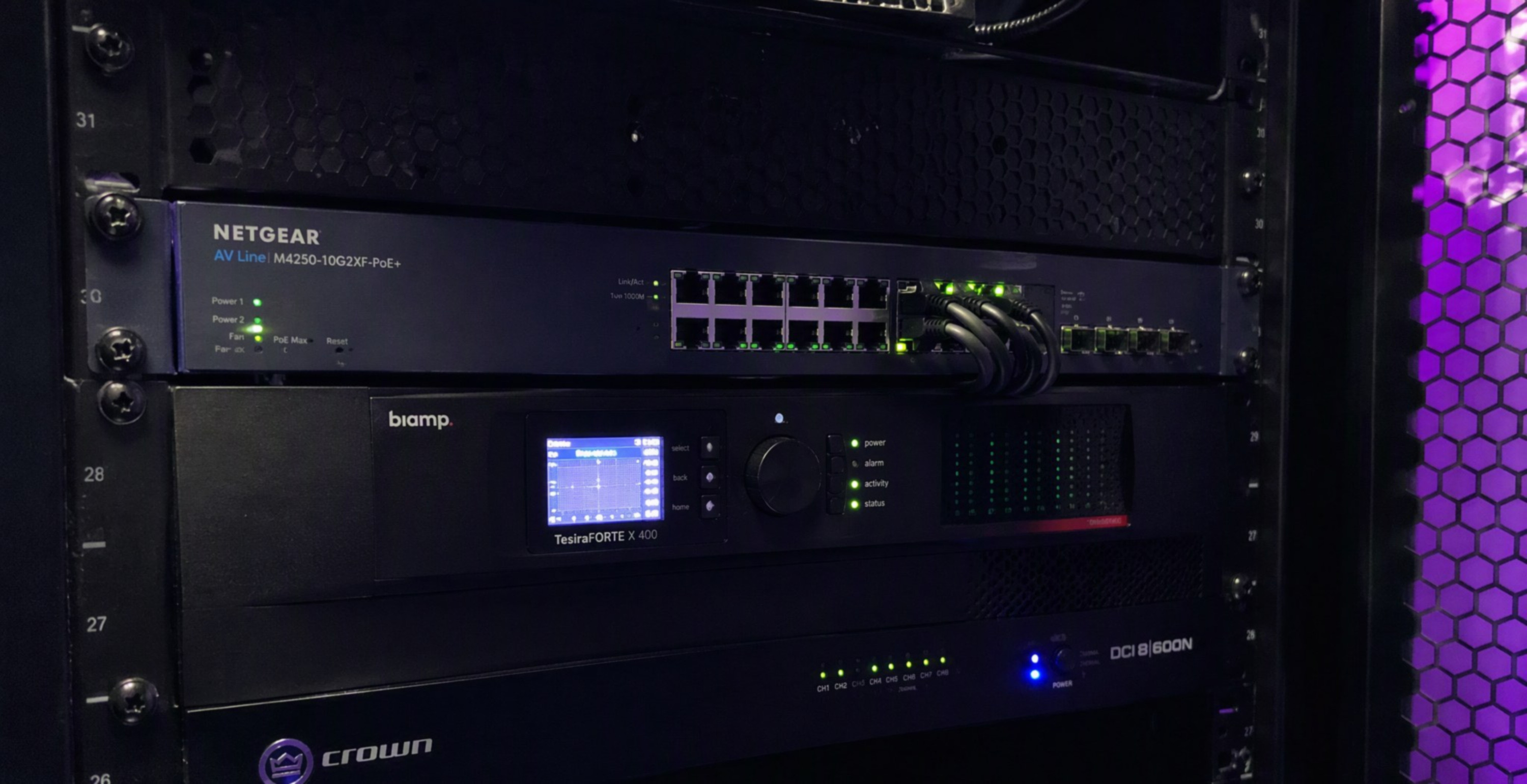
Video conferencing differs from ordinary web browsing in one crucial respect — it has to work in real time. Even a fast internet connection doesn't guarantee smooth audio and video if the network isn't configured for this kind of traffic. Here's what to look at so online meetings stop being a source of frustration.
Why "Fast Connection" Alone Isn't Enough
Bandwidth is only one of the parameters affecting video conferencing quality. Just as important are latency — the time it takes a data packet to reach its destination, jitter — the variation in that latency over time, and packet loss. A network that looks great on paper in terms of bandwidth but suffers from high, unstable jitter will still produce a choppy picture and broken-up audio — symptoms users mistakenly blame on "slow internet."
QoS — Prioritizing Real-Time Traffic
QoS (Quality of Service) lets a router or switch recognize and prioritize latency-sensitive traffic — such as video and audio from conferencing platforms — over less urgent traffic, like large file downloads or automatic system updates. In practice, this means that even when the network is under heavy load, video conferencing packets get through first, instead of waiting in line with everything else.
Good Configuration Practices
- Wired connections for conference room systems — permanent video conferencing setups should be connected by cable rather than Wi-Fi, eliminating the variability inherent to a wireless link.
- A dedicated VLAN for conferencing traffic — separating video conferencing systems from the rest of office traffic makes prioritization and troubleshooting easier.
- Up-to-date Wi-Fi infrastructure — where a wired connection isn't possible, newer Wi-Fi standards handle real-time traffic far better than older access points.
- Avoiding VPN bottlenecks — video conferencing traffic tunneled through a company VPN can end up needlessly slowed down; some platforms let you configure exceptions (split tunneling) for this type of traffic.
Summary
Smooth video conferencing is the result of deliberate network configuration, not simply buying a faster internet connection. Prioritizing real-time traffic, a stable wired connection in meeting rooms, and well-planned network segmentation eliminate most of the problems remote teams deal with day to day.
Read also: Zoom Support