
In short: Simple operating habits that genuinely extend the life of a projector and its components.
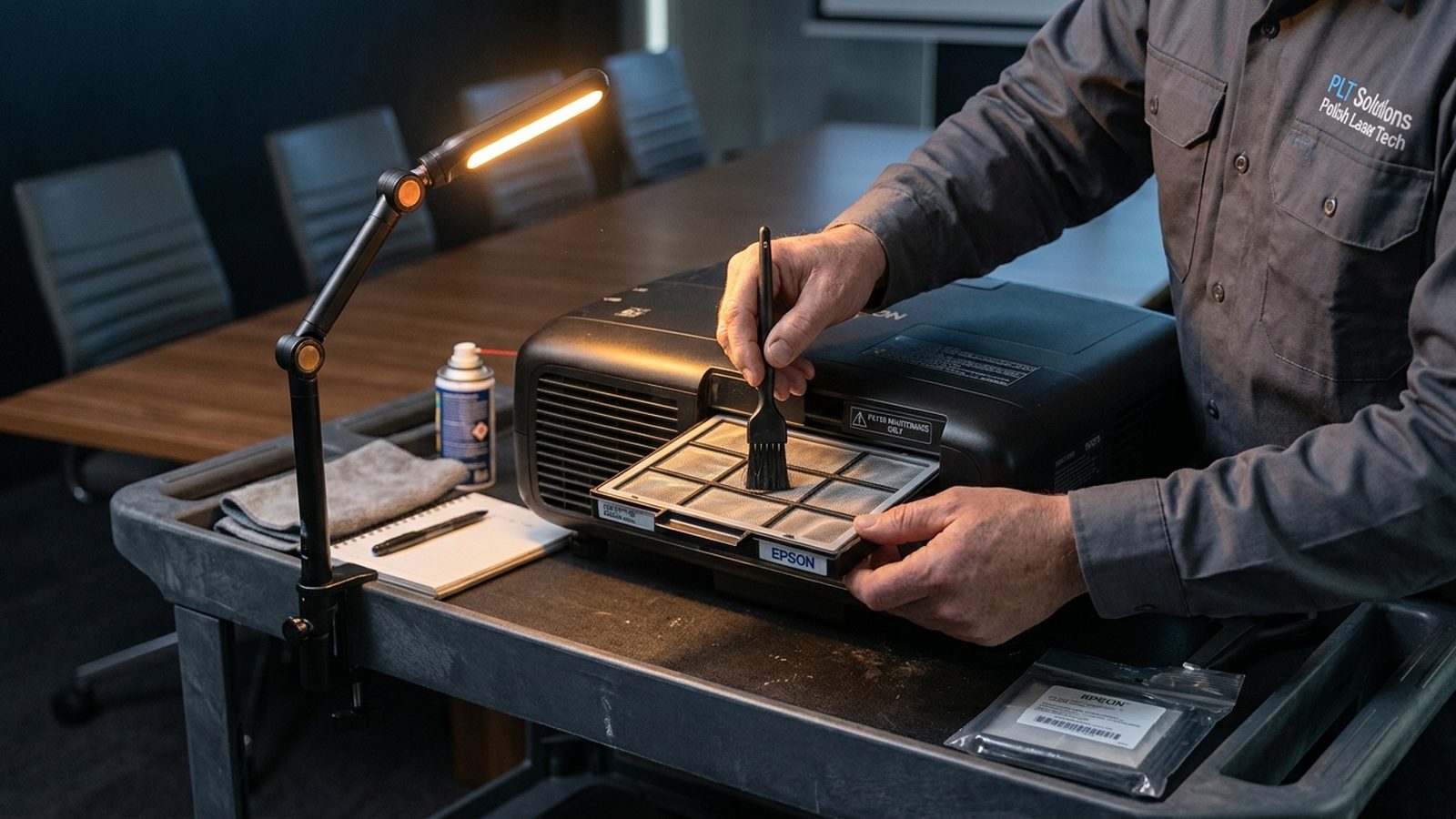
A projector is one of the more expensive elements of a conference room's equipment, and its lifespan depends not only on the quality of the hardware itself but also on everyday operating habits. A few simple rules can genuinely extend a unit's trouble-free service life and delay the point at which it needs replacing.
Clean air filters
A projector is cooled by an airflow that, in many models, passes through a filter that traps dust. A clogged filter restricts airflow, causing the unit to run at a higher temperature — which accelerates wear on the light source and other electronic components, and in extreme cases leads to the equipment shutting itself down mid-operation. Regular cleaning or replacement of the filter, following the manufacturer's recommendations, is one of the simplest yet most frequently overlooked parts of maintenance.
Ventilation and ambient temperature
A projector needs free airflow around its ventilation openings — an overly tight enclosure, mounting too close to the ceiling without adequate clearance, or furniture blocking the exhaust vents all lead to overheating. It's also worth paying attention to the temperature and dust levels in the room where the projector operates — installations in dustier rooms, for example near an outside entrance, need more frequent maintenance than standard office spaces.
Correct shutdown and duty cycles
Most projectors need a moment to cool the light source after being switched off, before power is cut — abruptly disconnecting power without completing the cooling cycle shortens the life of the lamp or laser module. It's also worth avoiding unnecessary, frequent on/off cycling in short intervals — every such cycle stresses the components more than a longer, continuous operating period.
Rule of thumb: always let the projector complete its own cooling cycle before cutting power — it's one of the cheapest ways to extend the life of the light source.
Regular checks and updates
Besides cleaning the filters, it's worth periodically checking the condition of the lens and the interior of the enclosure for accumulated dust, and updating the unit's firmware if the manufacturer offers such updates — they can improve operating stability and compatibility with new signal sources. In corporate installations, a good habit is to set up a maintenance schedule rather than only reacting once a fault occurs.
Summary
A projector's lifespan rarely ends suddenly — it's usually the result of gradually accumulated neglect, such as clogged filters, inadequate ventilation or improper shutdown. Consistently following a few simple operating habits is the cheapest way to make sure equipment lasts as long as its design allows.
Read also: ProjectorCentral