In short: We suggest which audio setup delivers professional sound for recordings and live broadcasts.
More and more companies are recording their own podcasts, webinars and training videos, and audio quality — far more than video quality — determines whether the listener stays with the material to the end or switches off after a few minutes. Choosing audio equipment for an office recording setup doesn't have to be complicated, but it's worth thinking through before investing in further components.
The microphone — the foundation of the whole recording
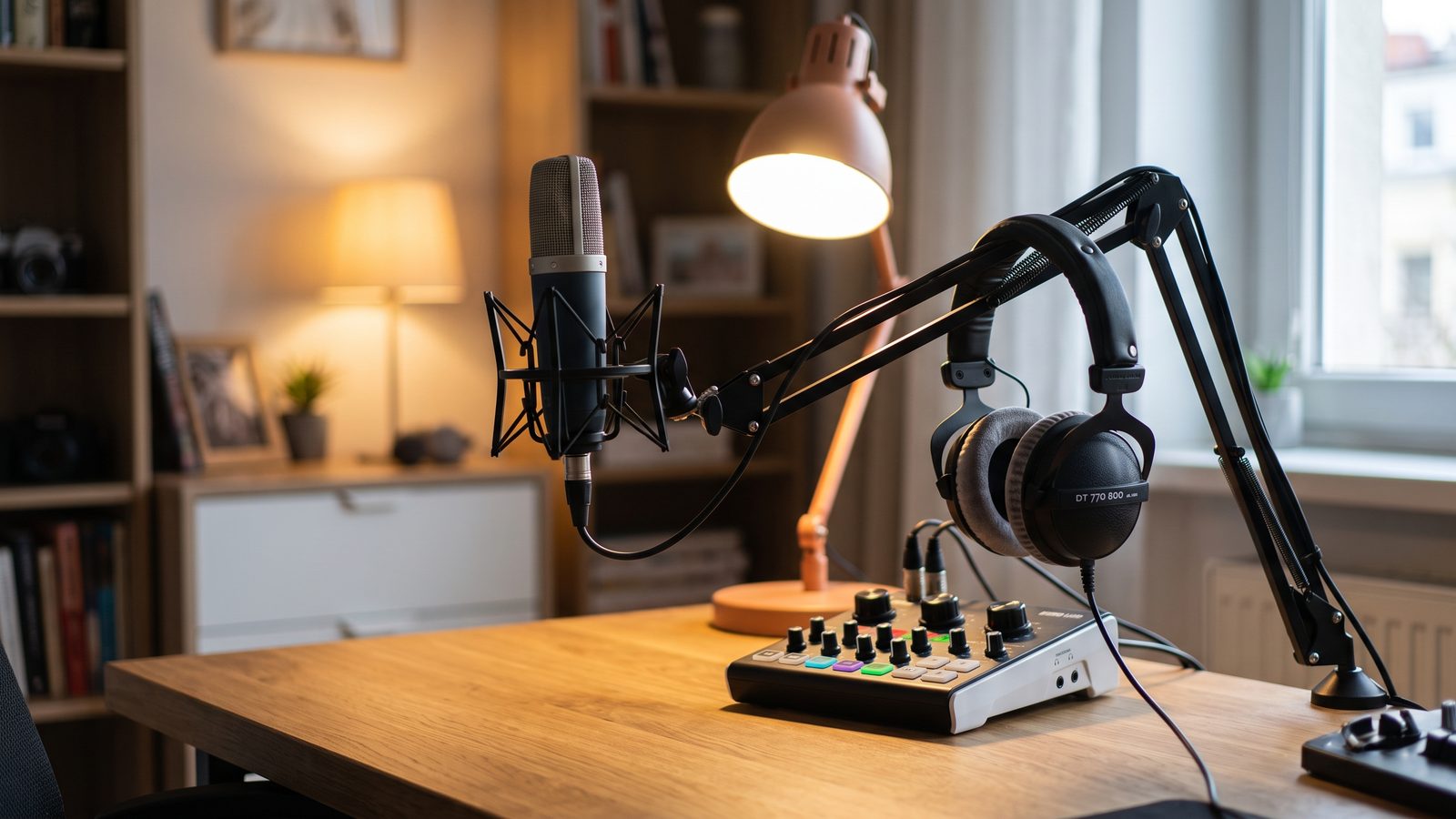
The choice of microphone depends above all on the acoustics of the room where the recording takes place. In a room with no acoustic treatment, a dynamic microphone works well — its lower sensitivity to ambient sound limits how much reverberation and outside noise it picks up. In a well-treated, quiet room, on the other hand, you can reach for a condenser microphone, which captures more voice detail and delivers a warmer, fuller sound.
For simpler applications, such as a single webinar host, a USB microphone plugged in directly is often enough. For recordings with several people, or when planning to expand the system later, a better choice is an XLR microphone connected through an audio interface or a mixer — this gives greater flexibility and better signal quality.
Audio interface and mixer
An audio interface (or digital mixer) sits between the microphones and the computer, converting the analogue signal to digital and controlling input levels. For recordings with several people — for example a host and a guest — a mixer with several microphone inputs lets you control each person's voice level independently, which makes later editing much easier.
Acoustics of the recording room
Even a good microphone can't compensate for an empty, reverberant conference room full of glass and hard surfaces. Simple measures are often enough to improve recording conditions — acoustic panels on the walls, a thick rug to dampen reflections from the floor, or even curtains and upholstered elements that reduce reverberation without any major room renovation.
Monitoring and other equipment
- Monitoring headphones — let the host check sound quality continuously during recording, instead of finding out about problems only after the fact.
- Stands and microphone arms — a stable mount limits vibration transfer from the table to the microphone and lets you position the microphone at the optimal distance from the speaker's mouth.
- Camera and lighting — for video webinars, it's worth ensuring basic, even lighting on faces, which combined with good audio significantly raises the perceived professionalism of the material.
Integration with streaming platforms
It's worth choosing equipment with integration in mind for the platforms where the webinars take place — Microsoft Teams, Zoom, or dedicated streaming software. Digital mixers with multiple inputs and a built-in USB interface let you connect the whole setup to a computer with a single cable, simplifying configuration before every recording.
Rule of thumb: leave room in your recording equipment budget for room acoustics — that's often a cheaper and more effective investment than yet another, pricier microphone.
A well-planned recording setup doesn't have to be an elaborate studio — a few well-chosen elements, matched to the character of the room and how the team works, are enough to make recordings and broadcasts sound professional every time.
Read also: SoundGuys